GameNGadgetShop.com
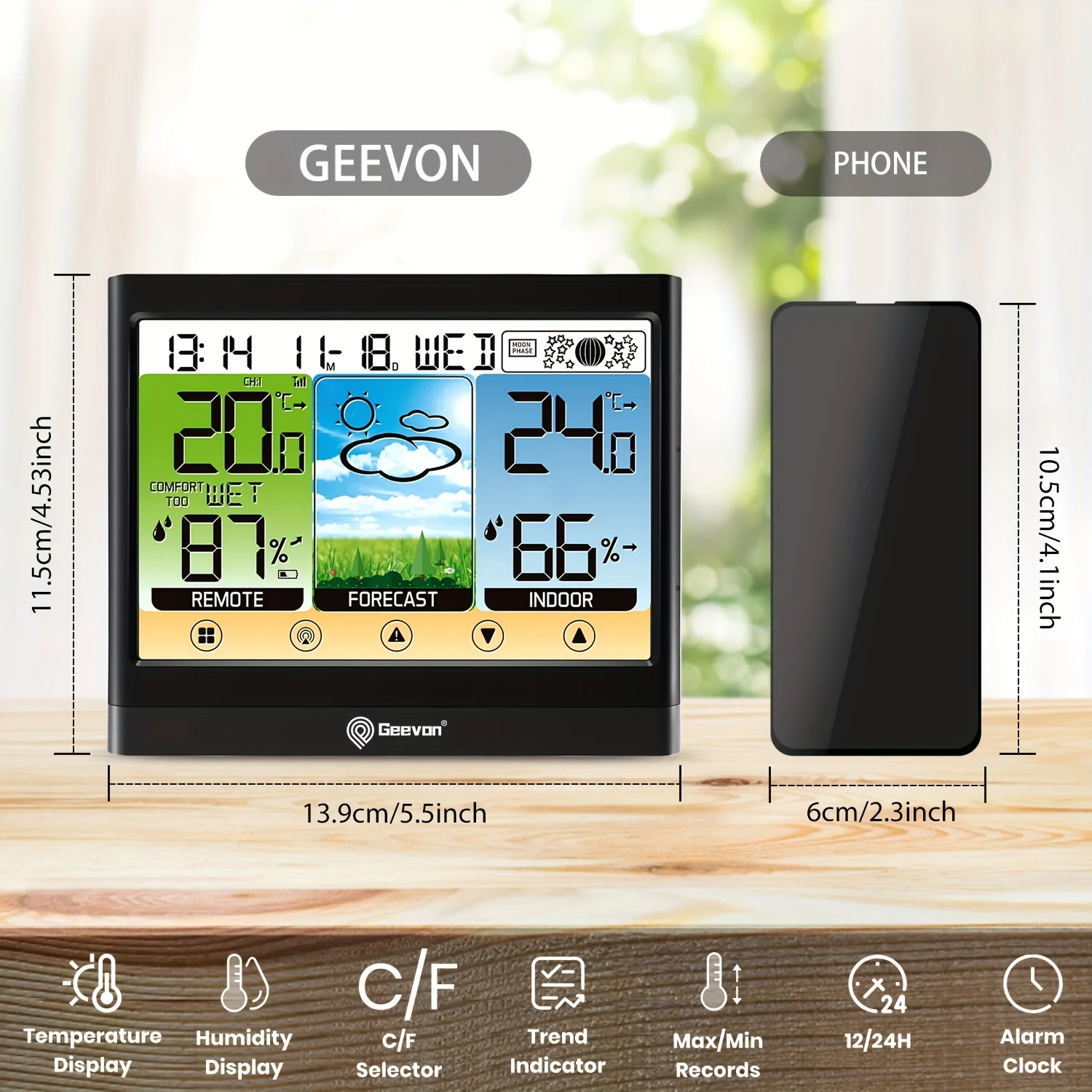
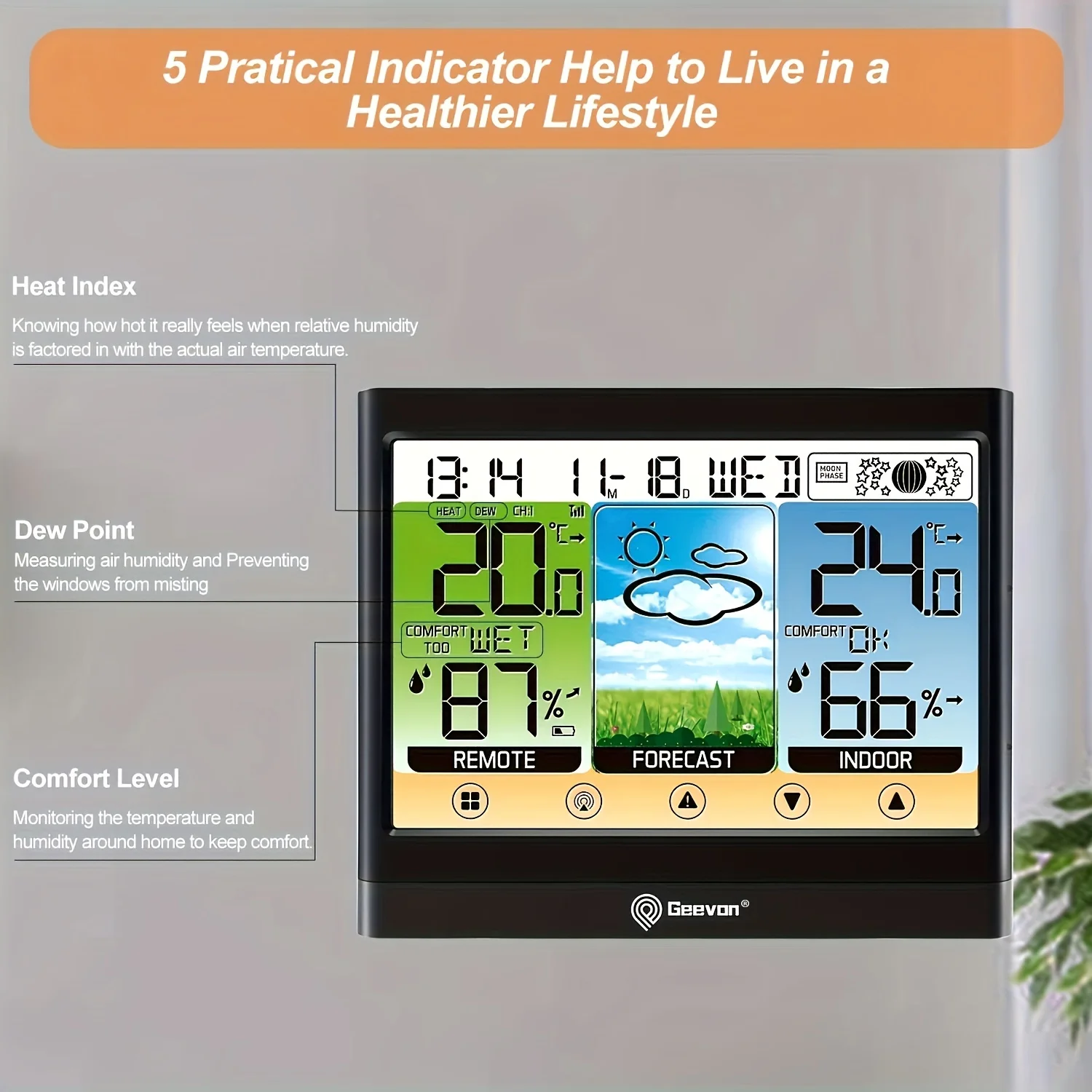
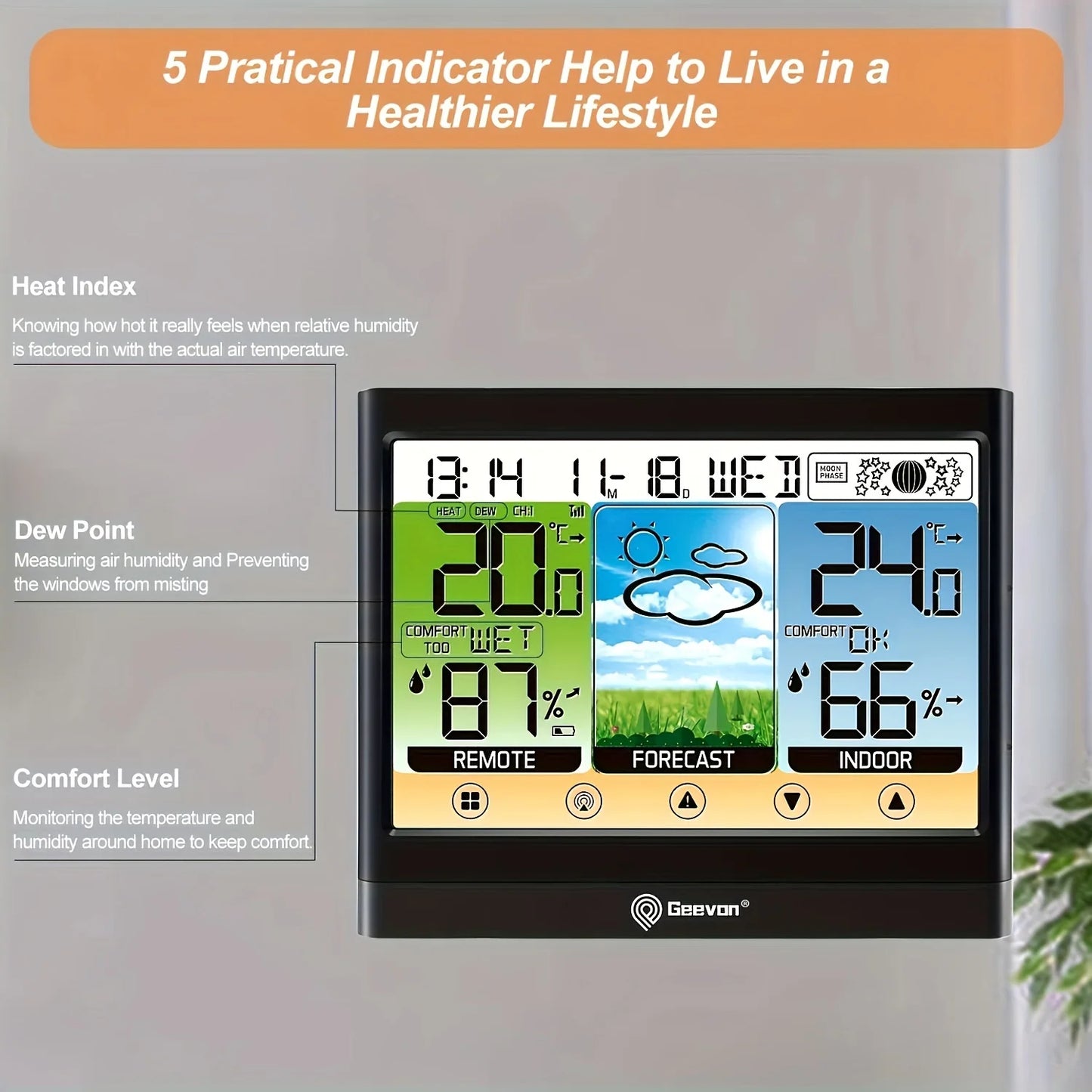
Geevon Weather Station Wireless Indoor Outdoor Thermometer Hygrometer With Touch LCD Display Digital Weather Thermometer
Geevon Weather Station Wireless Indoor Outdoor Thermometer Hygrometer With Touch LCD Display Digital Weather Thermometer
Regular price
$20.69 USD
Regular price
$20.69 USD
Sale price
$20.69 USD
Shipping calculated at checkout.
Quantity
Couldn't load pickup availability
SPECIFICATIONS
Battery Included: No
Brand Name: GEEVON
Certification: CE,FCC,RoHS
Data Record: No
Display Size: 4.0 - 6.9 Inches
Display Type: DIGITAL
Electronic: No
High-concerned chemical: None
Humidity accuracy: ±5%RH
Is Smart Device: No
Max Measuring Temperature: 49°C & Under
Model Number: 8667
Power Source: Aaa Battery
Power Type: Aaa Battery
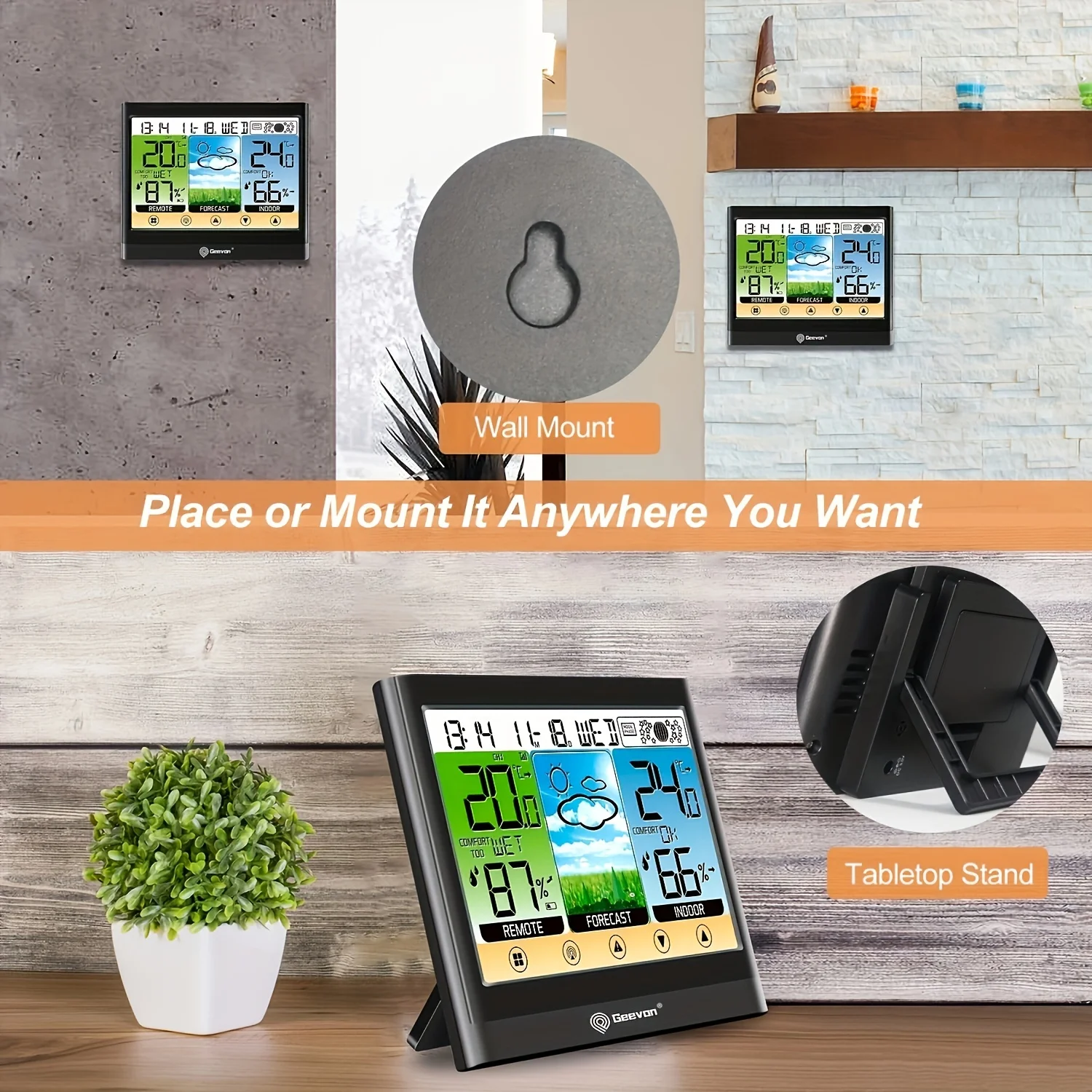
Style: Standing and Wall Hanging
Theory: Thermometer Hygrometer
Use: Indoor
Flashing of the outdoor reading is generally an
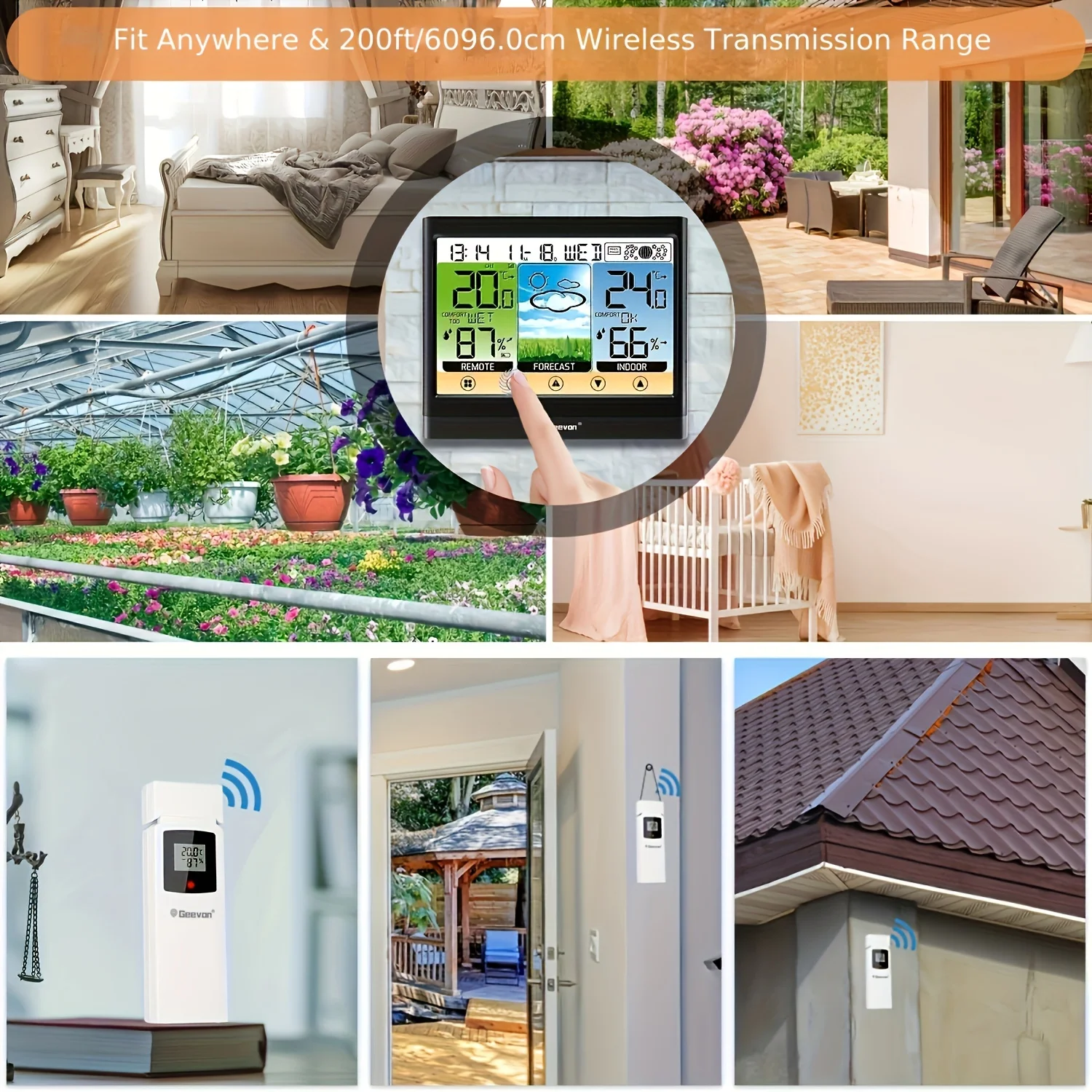
indication of wireless interference. This thermometer is arranged to communicate with three external
sensors. One of these comes with the unit, the remaining two are optional.
1. Bring both of the sensor and display indoors, side by side and remove batteries from each. Power the thermometer as described in Getting started.
2. Set the selector in the outdoor sensor to the desired transmission channel (1, 2, or 3). Automatic data will be transmitted.
3. Press the CH button more times to select the channel set on the external sensor. Sequentially selects channel 1, channel 2, channel 3, and sequentially display for 3 channels.
2. Set the selector in the outdoor sensor to the desired transmission channel (1, 2, or 3). Automatic data will be transmitted.
3. Press the CH button more times to select the channel set on the external sensor. Sequentially selects channel 1, channel 2, channel 3, and sequentially display for 3 channels.
4. Press and hold the CH button to receive RF signal. 3. Always make sure the channel chosen on the display unit matches the channel option chosen on the outdoor sensor.
5. Relocate the main unit and/or the outdoor sensor. The units must be within 200ft (60m) of each other.
5. Relocate the main unit and/or the outdoor sensor. The units must be within 200ft (60m) of each other.
6. Make sure both units are placed at least 3 ft (1m) away from electronics that may interfere with the
wireless communication (such as TV, microwave, computer, radio, etc).
7. Do not use heavy duty or rechargeable batteries. The outdoor sensor requires lithium batteries in low temperature conditions. Cold temperatures would cause alkaline batteries work improperly.
8. Do not mix old and new batteries.
wireless communication (such as TV, microwave, computer, radio, etc).
7. Do not use heavy duty or rechargeable batteries. The outdoor sensor requires lithium batteries in low temperature conditions. Cold temperatures would cause alkaline batteries work improperly.
8. Do not mix old and new batteries.
9.If the temperature is higher than the detection range, HH will display on screen for indication; if lower than the detection range, LL will display on screen for
indication.
indication.